


Once you have started the case and you are registered, you can click on "Overview" and invite team members. You either use their email or their username.
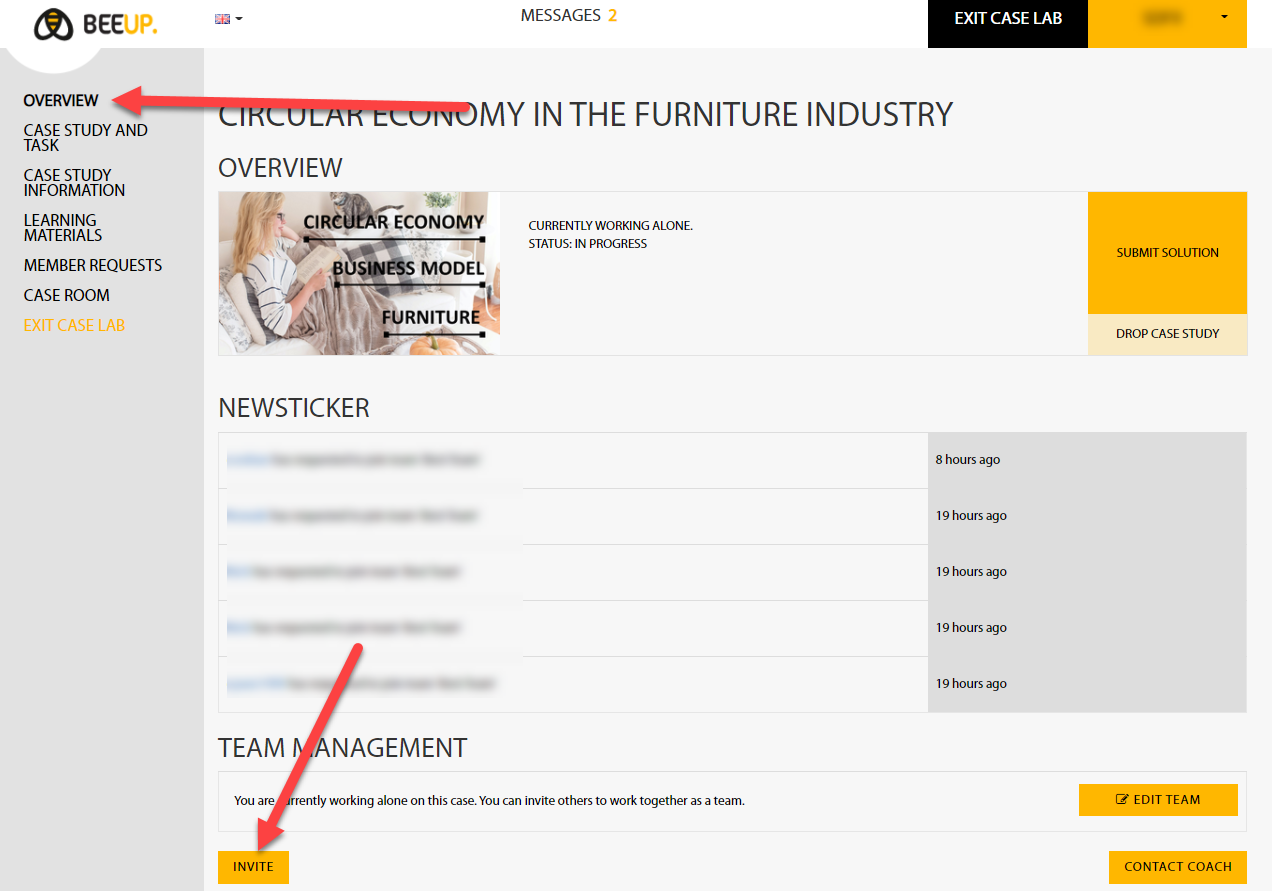
Your invitees can accept your invitation and then you'll see them in your team chat.
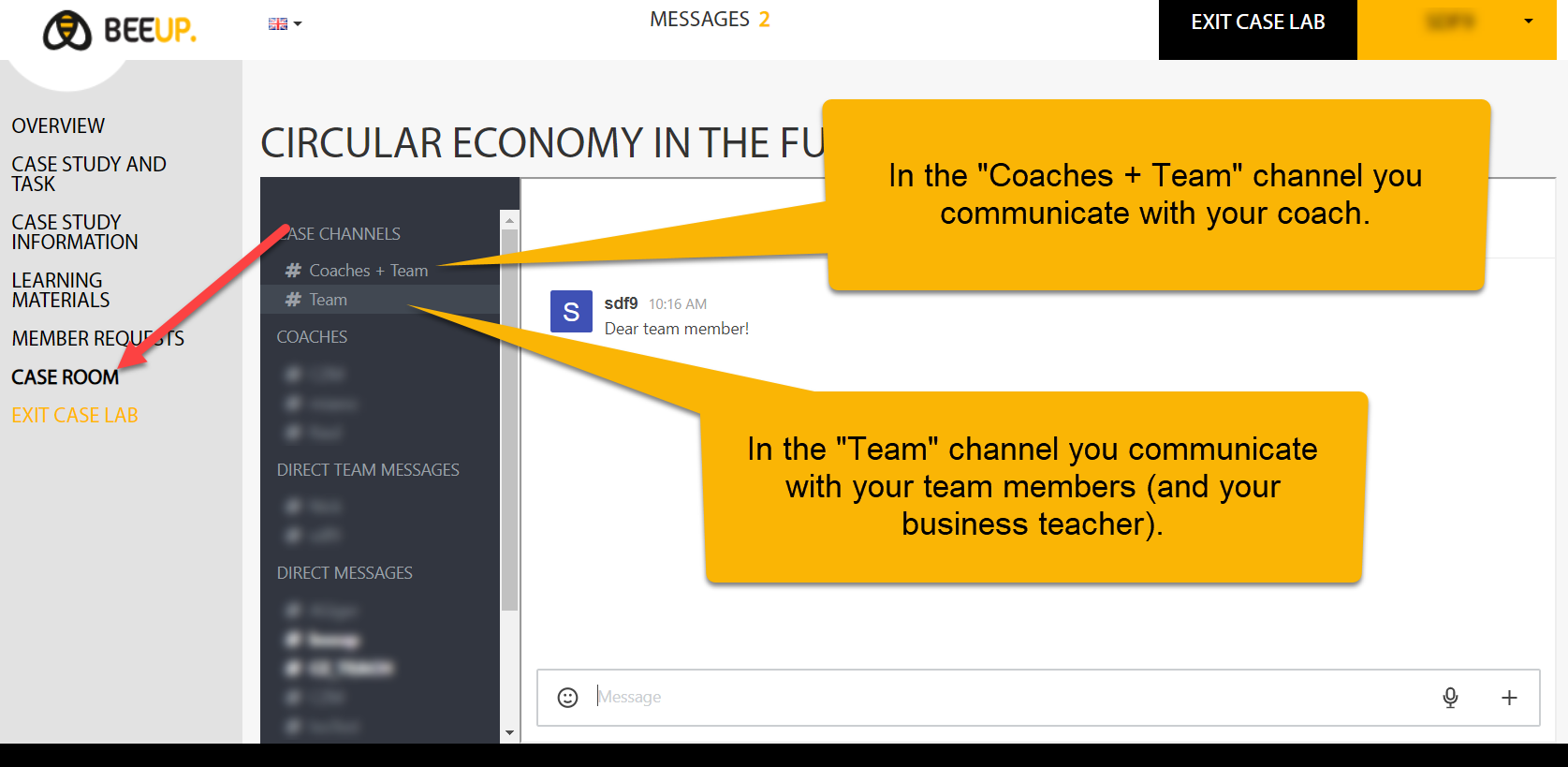
In the "Case Room", only your team buddies (and sometimes your business teachers) have access to your team chat. If you want to discuss documents with your coach, you should drag and drop the documents to the coach-team channel.
Please contact us if you encounter difficulties. We're giving our best to improve and are open to suggestions.


